

Scratch is one of the best-known coding platforms for children. Its block-based programming environment has helped make coding accessible to millions of young people, and many teachers around the world use Scratch and ScratchJr in the classroom to teach coding.
However, some schools have restricted or blocked Scratch due to concerns around privacy and safeguarding. This is because Scratch features an online community where users can share their ideas and projects. While this community is moderated by Scratch, the use of public profiles means that, for some schools, the potential risk of students being exposed to unsuitable content or sharing personal information is too great to justify using the platform in the classroom.
What makes the Robotical App a good Scratch alternative?
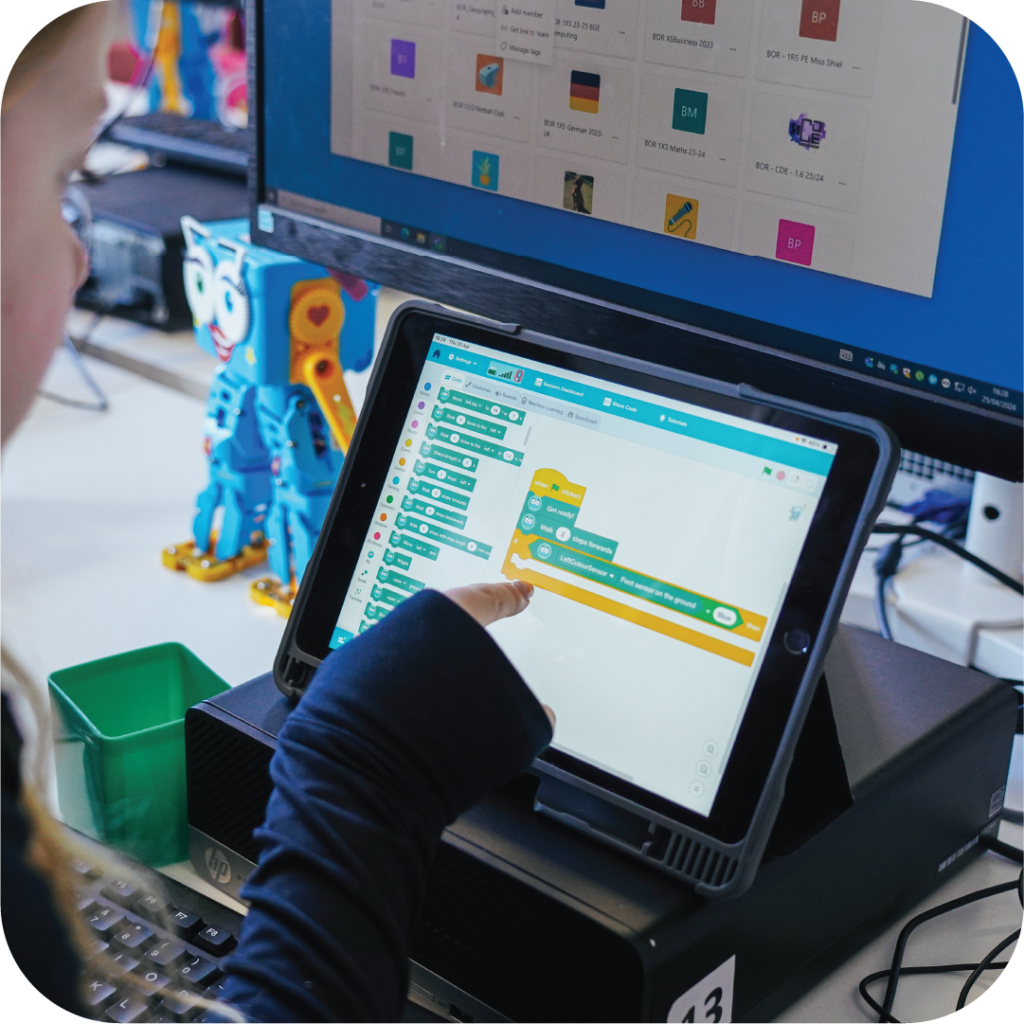
Finding an alternative to Scratch isn’t as simple as replacing one block-based coding platform with another. For schools and teachers, one of the most important considerations when introducing any new technology to the classroom is ease of use. We understand that educators want and need coding platforms that can be introduced quickly, and without unnecessary set-up and hassle.
The Robotical App removes one of the biggest barriers to getting started, there are no student accounts or logins to manage. Students can open the app and begin coding immediately, without creating a profile or sharing personal information. This makes the app particularly useful for schools looking for a safe and straightforward coding platform that can be used without the account and profile features associated with online coding communities.
Coding Online with the Robotical App
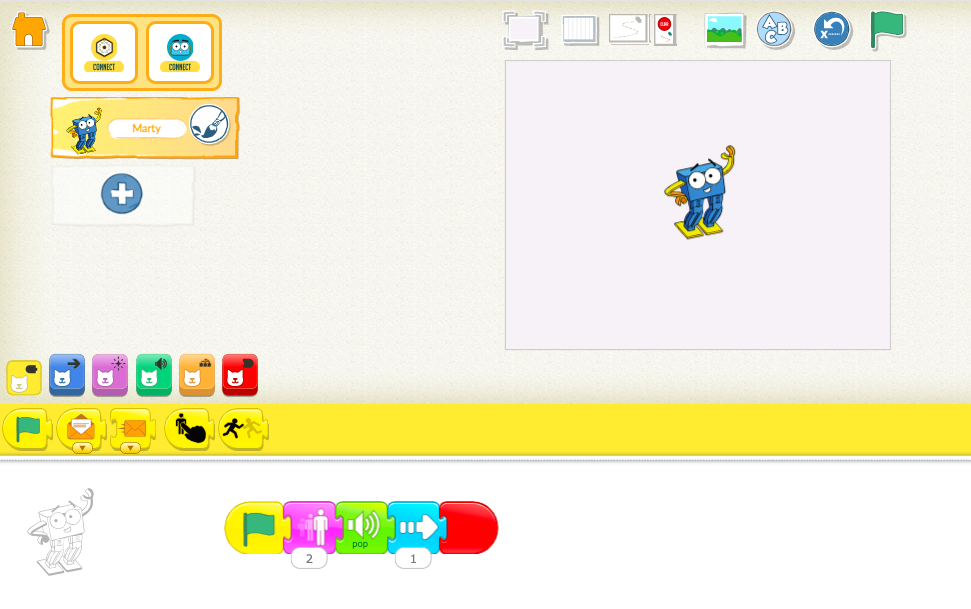
You don’t need a robot to use the Robotical App.
Students can start coding straight away in the browser, learning core programming ideas such as sequencing, loops, conditions, variables, and problem solving.
For younger learners, Blocks Jr uses simple icon-based blocks, while Blocks offers a more advanced block-based environment similar to Scratch. This means schools can begin teaching coding immediately, without needing any extra hardware.
From Coding to Physical Computing
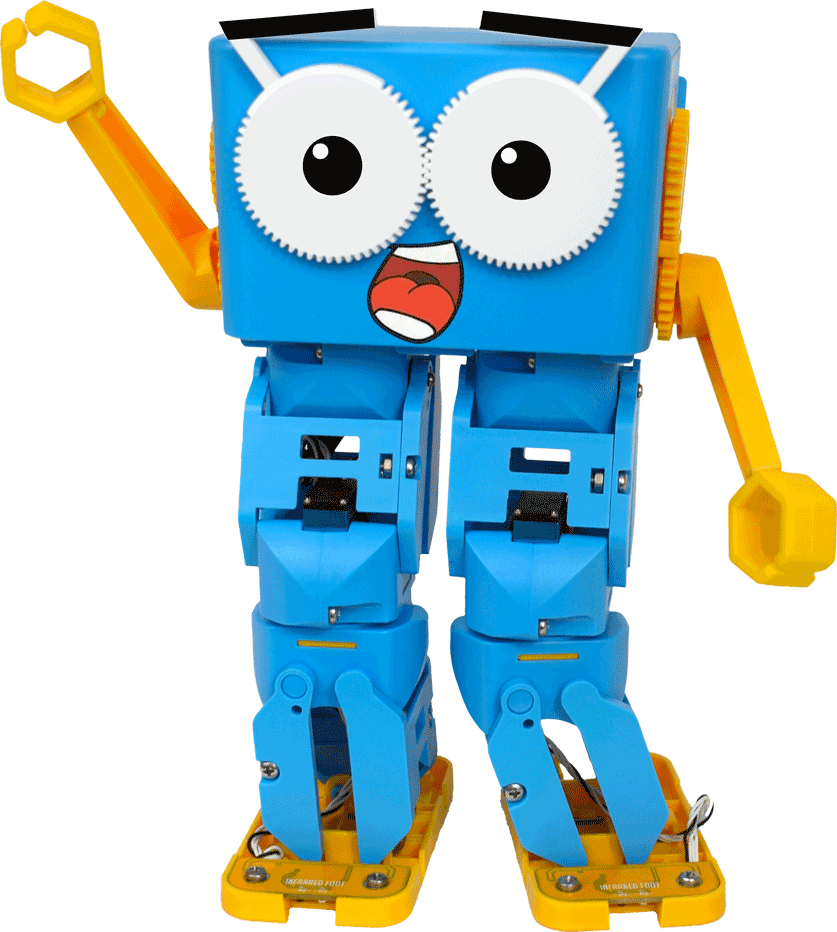
The Robotical App also connects via Bluetooth to Robotical Cog and Marty the Robot, allowing students to take their code into the real world.
Instead of only working on screen, they can use the same programming skills to control lights, sounds, movement, and sensors on physical devices. This helps students move naturally from basic coding into robotics and physical computing when they’re ready.
The Robotical App supports a clear learning pathway:
Blocks Jr → Blocks → Python
Students can start with simple visual coding, progress to more advanced block programming, and eventually move into text-based Python — all within the same environment, without needing to switch platforms.
Already use Scratch? The Robotical App won’t feel unfamiliar
If you’re already teaching Scratch, you don’t need to throw away everything you know.
The Robotical App’s Blocks environment uses a familiar block-based approach, making it easier for teachers and students who already understand Scratch-style programming to get started.
Many of the concepts teachers introduce through Scratch can also be explored in Robotical, including sequencing, loops, events, conditions and variables. That means your existing knowledge of block-based programming is still useful.
You can also adapt many of the programming challenges and teaching ideas you already use with Scratch and ScratchJr for the Robotical environment. Meaning you can take familiar coding concepts and introduce a new dimension: physical computing.
Our Products
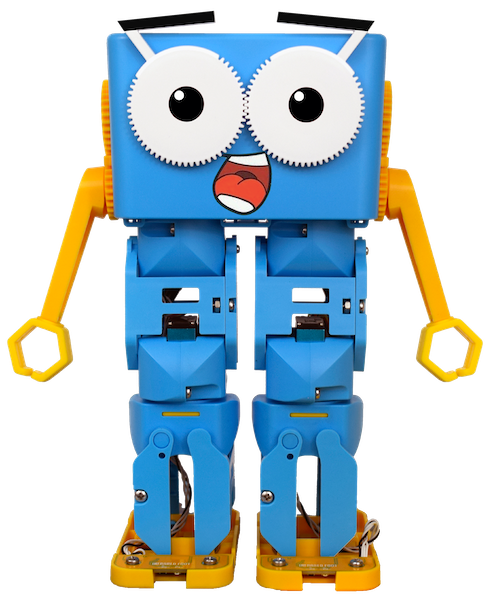
Marty the Robot
A walking, talking, dancing, eyebrow-wiggling robot that helps introduce children to the world of coding, robotics and AI in a fun, engaging and hands-on way.
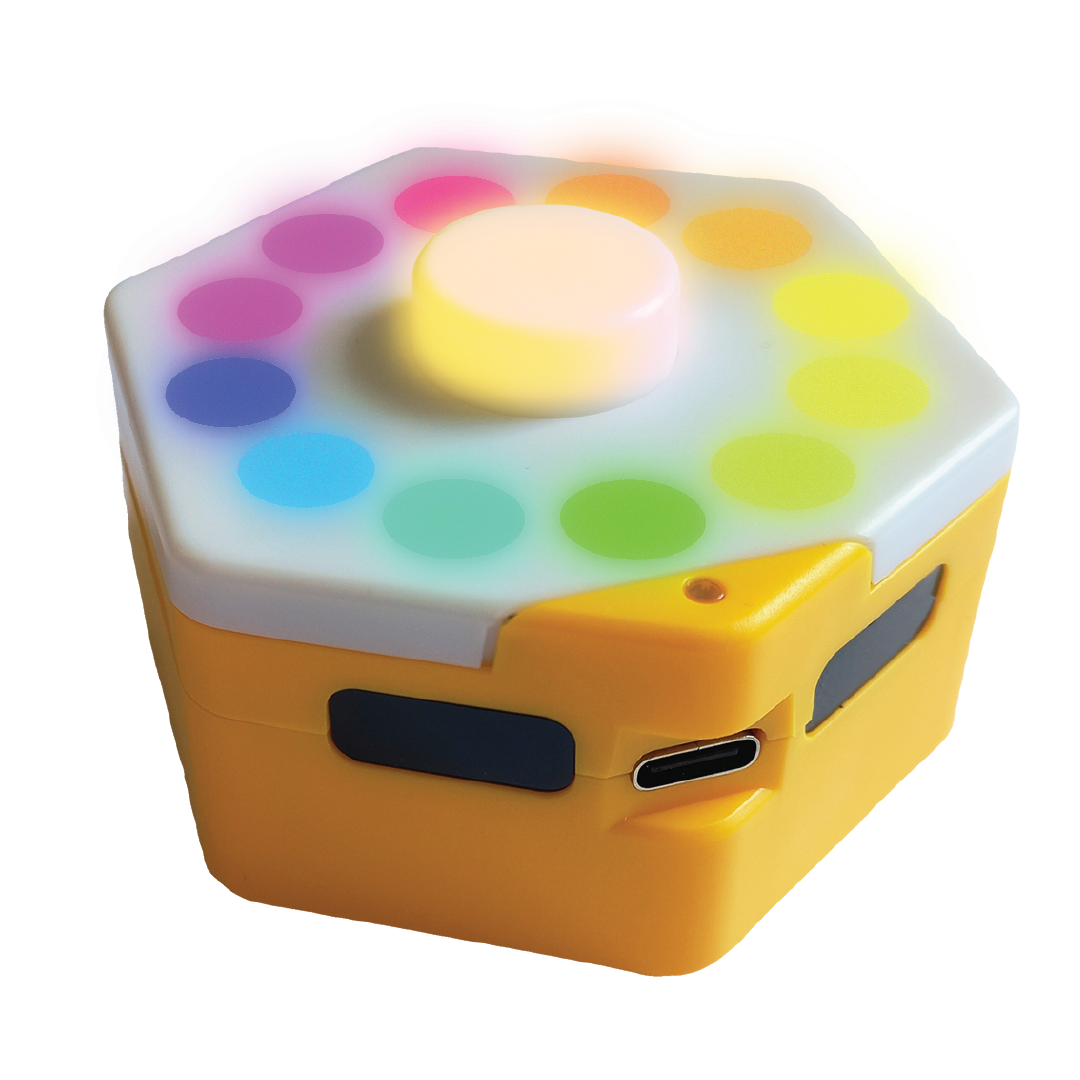
Robotical Cog
The perfect introduction to physical computing. With interactive inputs and outputs, students can instantly see their code come to life—making complex concepts feel simple, hands-on, and exciting.
 About Us
Other posts you may like
How to Teach Your Kids to Code
Perhaps your kids have already tried a micro:bit in class or started coding with Scratch in an after-school club. If they are showing an interest in coding, continuing that learning...
Why is AI Literacy Important?
As we mark AI Literacy Day, it is worth asking a crucial question: why does AI literacy matter so much for today’s students? It's a fundamental part of the digital...
Why Probeware Matters in Science Education
In today’s classrooms, hands-on learning is essential. Students learn best when they can see, measure, test, and experience concepts directly. That’s where probeware comes in. By giving learners the tools...
TRY MARTY
FOR FREE
Are you looking for new STEM resources for your classroom? Robotical are loaning Marty the Robot to schools for no-obligation, 2 week trials.